SAS Drive Activity LEDs
How to switch activity LEDs on SAS drives
Blog Post Overview
SAS Drive Activity LEDs: A Small Discovery
When Your Drives Go Silent
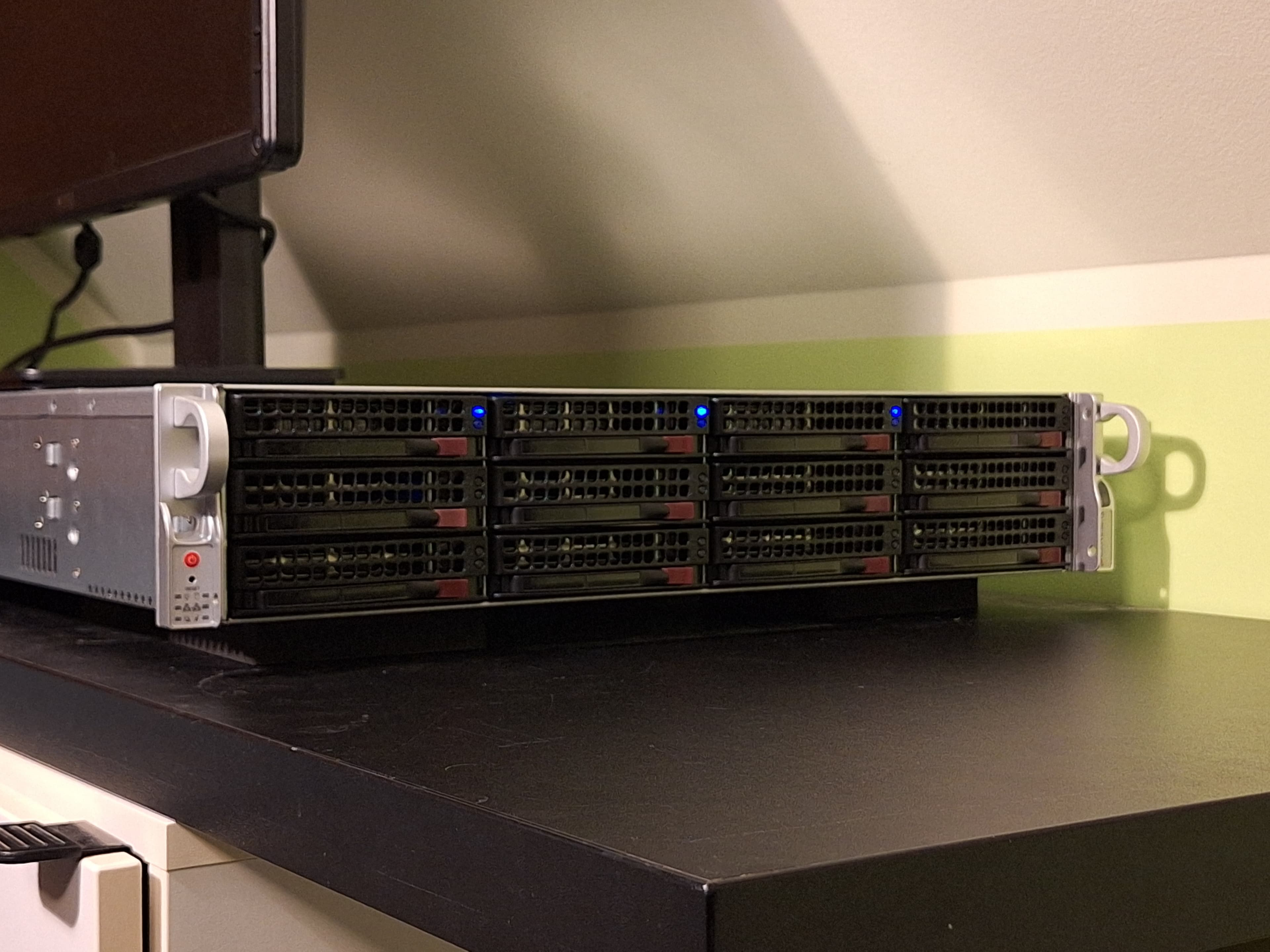
I recently bought SAS drives for the first time, stepping up from years of running SATA HDDs. I was excited for the reliability and performance, but immediately noticed something odd: the activity LEDs behaved in reverse - they were lit when idle and turned off during drive activity.
The Search for Answers
After some digging through forums, I found out, that this is normal behaviour for these drives. Fortunately, we can easily change that
The Fix
The solution is simple: use sdparm to enable the LEDs.
For a single drive, run:
sudo sdparm --set=RLM /dev/sdx
If you want the setting to persist after a reboot or power cycle, add --save:
sudo sdparm --set=RLM --save /dev/sdx
For multiple drives, a quick loop does the trick:
for i in {a..x}; do sudo sdparm --set=RLM --save /dev/sd$i > /dev/null; done
Without the --save flag, the setting will be lost after replugging or rebooting the drive.
Reverting the Change
If you ever want to turn the activity LEDs off again, just clear the setting:
sudo sdparm --clear=RLM --save /dev/sdx
Again, use --save if you want the change to stick after power cycles.
Comments (0)
Leave a comment
Loading comments...